San Diego beach videos and live cameras can help you preview the coast, but a screen is only a partial view. A camera may be offline, delayed, pointed away from the usable beach or showing a different tide from the one you will encounter. This page points to official hosts rather than republishing other people's footage or presenting an old clip as today's conditions.
Scripps Pier cameras
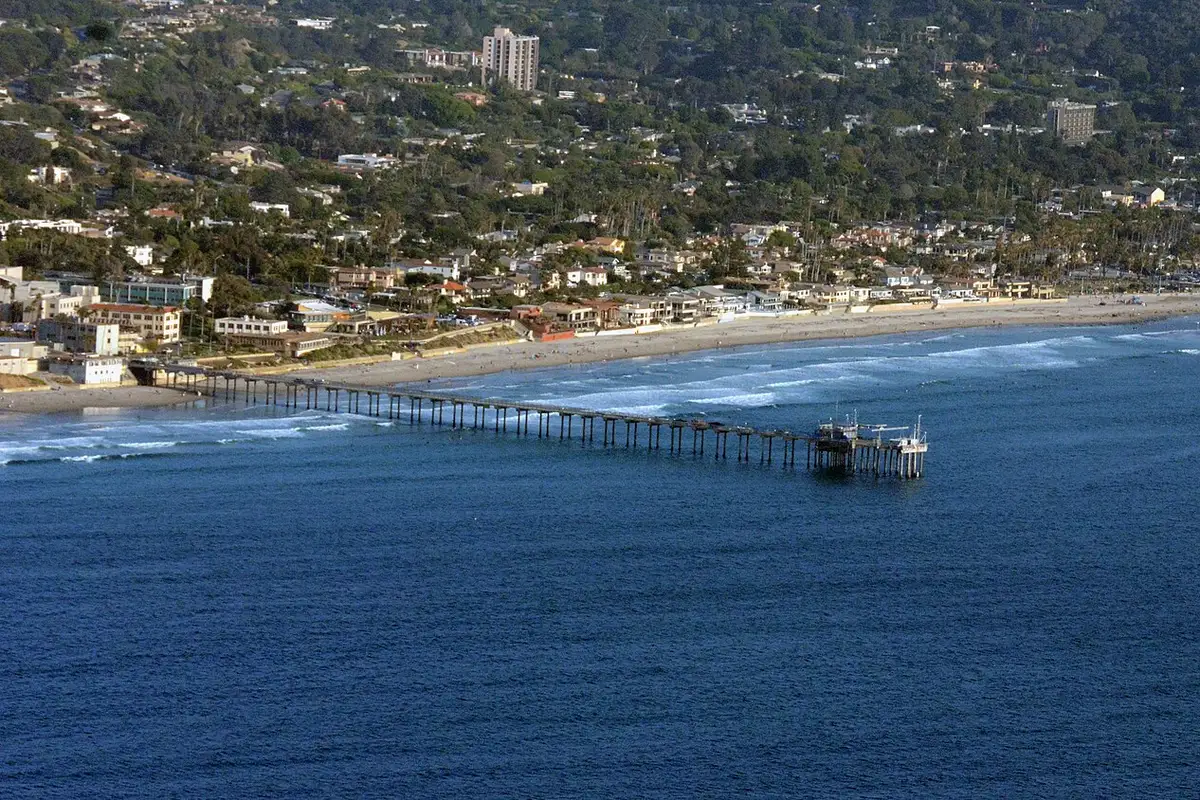
Scripps Institution of Oceanography maintains a pier-camera page with La Jolla Shores views and other research-related streams. The page identifies shoreline cameras, an underwater view and an osprey camera. Those are different views with different purposes. Choose the relevant stream rather than assuming every Scripps video shows the beach where you plan to walk.
The official page has also noted technical problems with a shoreline camera and a planned replacement. That is a useful reminder that a live-camera directory cannot promise an uninterrupted feed. If a stream does not load or appears frozen, use the host's current notice. Do not treat a still image with no visible time reference as a verified report of conditions.
Under Scripps Pier
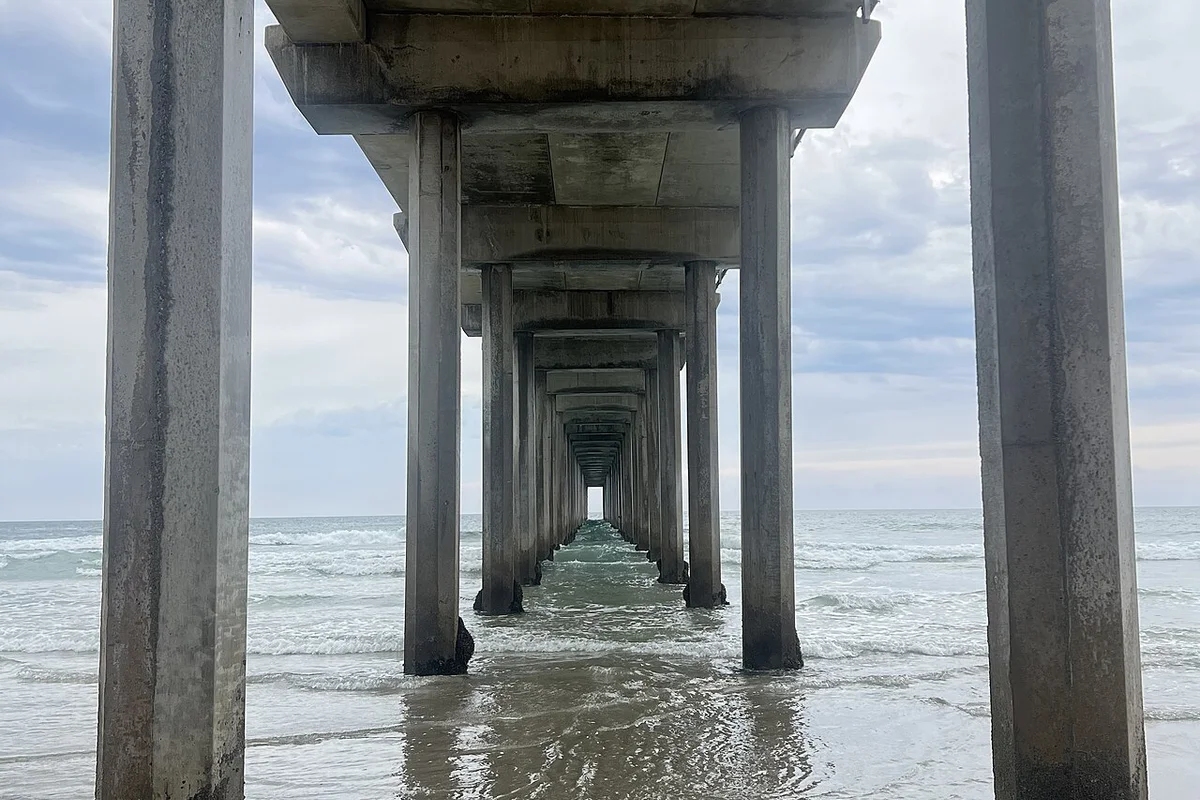
The underwater camera is managed by Scripps' Coastal Ocean Observing Lab and looks from a pier piling into the water. Scripps describes opportunities to see small organisms and occasional larger marine life, but none is guaranteed to appear. It is a different kind of beach video: a window into an underwater setting rather than a broad coastal panorama.
An underwater view is not a snorkeling safety report. Water clarity at the camera does not establish safe entry, manageable currents or good visibility at another site. Enjoy it as observation, and use the appropriate local information for an actual water activity. If you are watching with children, discuss the difference between seeing an animal pass a camera and expecting it at a scheduled time.
Del Mar's official beach and surf cameras
The City of Del Mar camera page lists views at 17th Street and North Beach, including a moving camera and a south-facing view. These are useful starting points for seeing a recognizable part of the Del Mar shoreline. Camera direction matters: one view cannot establish the condition of every beach section in the city.
The Del Mar Village Association also links a live surf view through its own visitor information. Prefer these established hosts over a random repost labeled “live.” If a feed has moved, follow the official page's current link rather than repeatedly refreshing an old embed. A working host page is more useful than a copied video player that has silently stopped updating.
Check whether the video is actually live
Look for a date, time, host notice or player status. Compare movement over time: clouds, people and waves should not remain identical if the stream is current. Some players show archived clips, promotional footage or a last available frame when the feed is unavailable. Do not assume the word “live” in a search-result title proves the image reflects the present moment.
Also consider local time and camera exposure. A dark image may simply reflect night, while glare or fog can make a usable beach look featureless. A camera pointed toward the sun may conceal details that would be visible in person. If the view is unclear, treat it as missing information rather than trying to extract a precise beach forecast from an ambiguous frame.
What a beach camera cannot tell you
A camera may help you notice broad surf activity, visible crowds or fog, but it cannot show every rip current, submerged hazard or water-quality issue. It may not show the parking area or the stair access at all. A quiet-looking beach is not proof that swimming is safe, that lifeguards are present or that a public access is open.
Before visiting, check the official beach page, posted advisories and local lifeguard guidance. For a sand walk, use tide information and inspect the actual shore on arrival. For surfing or snorkeling, use activity-specific judgment. The surf beach guide and ocean tours guide explain why an attractive view is not a substitute for matching the activity to conditions.
Use video as a preview, not a promise
Beach clips can help compare the feel of a broad urban waterfront with a bluff-backed coast or a quieter-looking bay. They are less reliable for deciding exact walking space at your arrival time. A clip filmed at low tide may show a route that disappears later, and an older promotional montage may combine multiple seasons and locations.
For route planning, use the coastal trails guide and official maps instead. Keep the camera as one small input. If you need an accessible approach or current facility information, verify it directly; a panoramic image rarely shows the details that determine whether the outing works.
Respect the footage and the people in it
These links lead to the camera owners' pages. This guide does not download, rehost or claim ownership of their streams. For reuse in a project, seek the rights holder's terms rather than assuming public viewing equals permission to republish. Avoid using beach cameras to identify or track individual visitors. The useful subject is the coast, not someone's private day at the beach.
Questions before you go
Where can I find official San Diego beach live views?
Scripps Institution of Oceanography hosts pier-related views, and the City of Del Mar publishes beach and surf camera links.
Can a beach webcam confirm safe swimming conditions?
No. It cannot establish all currents, hazards, water-quality issues or local restrictions. Check official guidance and lifeguards.
Are these videos hosted on this site?
No. This page links to official camera owners rather than copying or rehosting their footage.
Sources & further reading
Official information and references for this guide. Check the source for current access, rules and conditions.